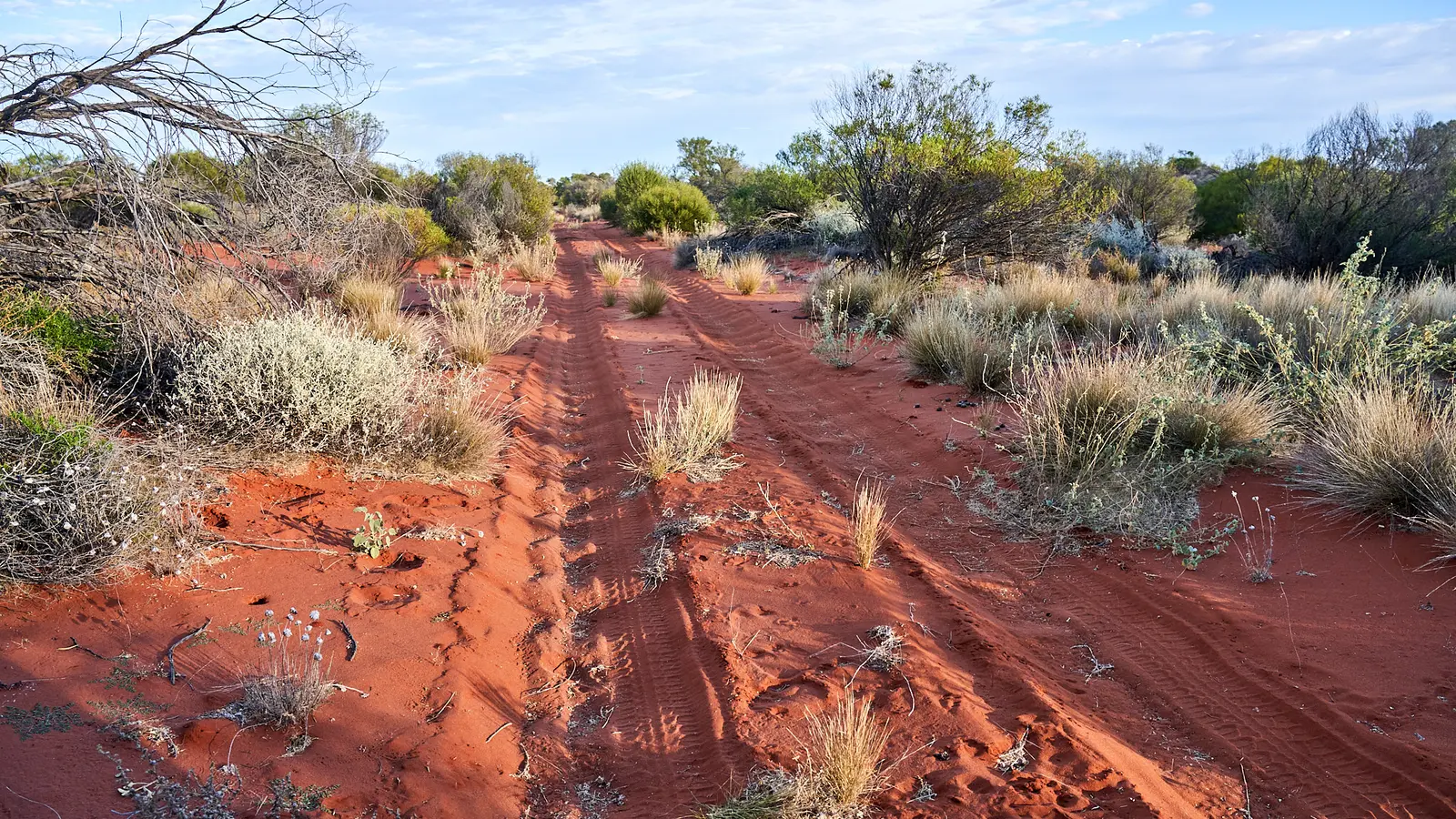
The WikiCamps login arrived with its big update: you need a WikiCamps account, and you sign in with a code sent to your email. Many users say it keeps signing them out, and getting back in needs internet, which a bush camp rarely has. We make AussieCamps, a camping app with no login at all, and it still syncs your trips and lets you plan them with your partner. If you would rather have no login at all, get AussieCamps for iPhone: no account, no email code, and your saved places sync through your own iCloud.
Why WikiCamps needs a login now
Your WikiCamps purchase and saved places are tied to an account, and you sign in with an emailed code. That's a small annoyance at home. At a national park campground or an outback rest area with no signal, being logged out can lock you out right when you want to check a site's rules or find the next dump point.
That's why we built AussieCamps with no account to lose in the first place.
- An account since the big update
- Sign in with an email code
- Worst at camps with no signal
AussieCamps: no account, no code, no logouts
AussieCamps has no login of any kind. No sign-up, no password, no email code and nothing that can expire, so it can never log you out at a campsite. It's free to download, with in-app purchases, and never shows an ad.
Opening it takes one step: the map is right there. Tap Filters for Dogs allowed, 4WD access, Toilets or the Free filter for free rest areas and stops. Tap a place to see its fees, facilities and conditions, and add it to a trip. Place details, saved places and trips all work without signal.
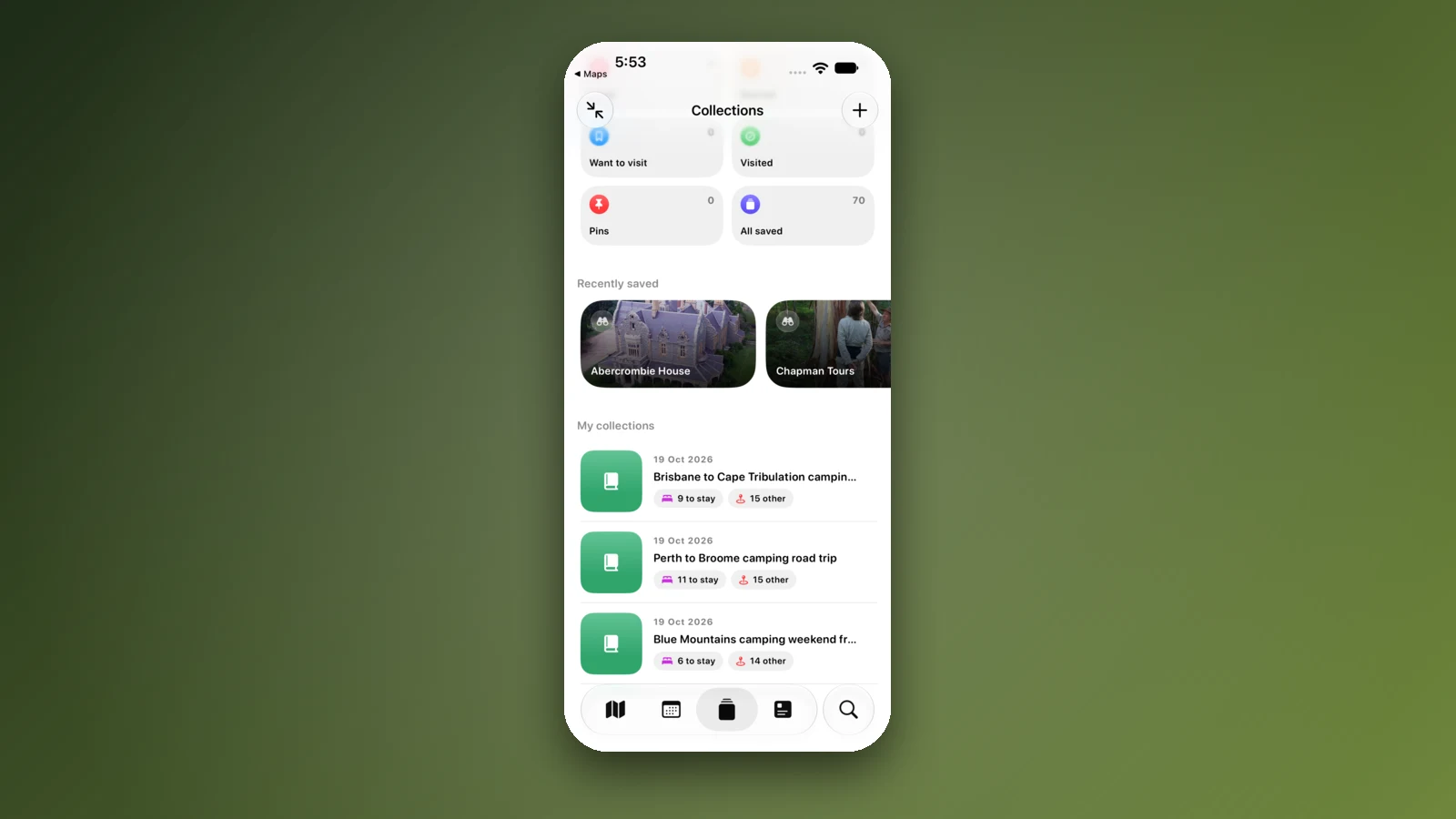
- No login, no password, no code
- Opens straight to the map
- No ads
Your trips sync without an account
AussieCamps uses the iCloud already on your iPhone. Your liked, starred and visited places, collections, pins and trips appear on every iPhone signed in to the same Apple Account, with nothing to set up.
Set your home address once in the You tab and it's there for every trip, ready for Start at Home and Finish at Home.
- Syncs through iCloud
- Nothing to set up
- Home saved once in the You tab
Share with your partner, still no login
Tap Share on a trip or a collection and choose Collaborate to invite your partner through iCloud. You both add, reorder and tick off stops and edit notes, and each change reaches the other phone within seconds.
To show the trip to anyone else, Send copy makes a link that opens in any web browser, and with the app they can save it to their own trips. Shared places open straight in the app, with a photo preview.
- Collaborate live through iCloud
- Send copy for family and friends
- Place links open in the app
A space that's yours, with no sign-up
The You tab is your own corner of the app, with no profile to register. A map fills in the regions you've visited and shows how much of Australia you've seen. Your stats add up the kilometres travelled, nights camped, places stayed and trips.
- Where you've been map
- Kilometres, nights and trips
- Your camping stats
Places along the way
Common questions
Why does WikiCamps need an account?+
WikiCamps added accounts in its big update. Your purchase and saved places are tied to your WikiCamps account, and you sign in with a code sent to your email.
Why does WikiCamps keep logging me out?+
Many WikiCamps users say the app logs them out and needs internet to sign back in. It's one of the most common complaints about the new version.
Is there a camping app without a login?+
Yes. AussieCamps has no account at all. It opens straight to the map, and your saved places and trips sync through iCloud.
Do I need to sign up for AussieCamps?+
No. There is no sign-up, email or password. Download it and the map opens.
How does AussieCamps sync between my devices?+
Through iCloud. With the same Apple Account on each iPhone, your saved places, collections, pins and trips stay in step by themselves.
Can my partner and I share a trip without an account?+
Yes. Choose Collaborate when you share it. It uses the iCloud already on your iPhones, and you both see changes within seconds.
Take it on the road
Save the stops. Plan the whole trip.
Build an ordered route from saved places, calculate the distance and keep dates, notes and to-dos attached.