Is WikiCamps worth it in 2027? For a lot of long-time users, less than it used to be. Many say the new version is harder to use, keeps logging them out and shows ads in an app they paid for, even though the price itself hasn't changed. We make AussieCamps, a camping app with no login and no ads, and we built it for exactly the campers who feel that way. If sign-ins or ads are the problem, try AussieCamps for iPhone: no account, no ads, and it opens straight to a map of campgrounds, rest areas and dump points.
Is WikiCamps worth it after the big update?
WikiCamps got a new look, an account you sign in to with an email code, ads inside the app and park bookings. WikiCamps is owned by G'day Group, the company behind Discovery Parks and G'day Parks, and the same updates brought G'day prices into the app.
None of that matters much at home on wifi. It matters a lot at a bush camp at dusk, when you just want to check the next site and get going.
- New design and an account
- Ads and park bookings
- Same one-off price
What WikiCamps users want instead
Read what switchers ask for and the list is short. Open the app and see the map. Never get logged out. No ads. Filters that find dog-friendly and 4WD camps in one tap. A trip you can plan together with your partner.
That list is close to word for word how we built AussieCamps.
- Open straight to the map
- No login, no ads
- Plan together
Why AussieCamps is worth trying
There's no login at all. No account, no email code, no being logged out at a campsite. It's free to download, with in-app purchases, and it never shows an ad.
It's quick to use. The map is there the moment it opens. Tap Filters and choose Dogs allowed or 4WD access from the top of the list, add Toilets or Drinking Water, and only places with all of them stay on the map. The Free filter brings up free rest areas and stops. Tap a place for its fees, facilities and conditions, and add it to your trip.
Trips work the way you travel. Set your home once in the You tab, then start and finish every trip at Home in one tap. Add campgrounds, any address or a pin you dropped, and see the distance and drive time to each stop.
Share a trip with your partner and choose Collaborate. You both add, reorder and tick off stops, and changes appear within seconds, with no account for either of you.
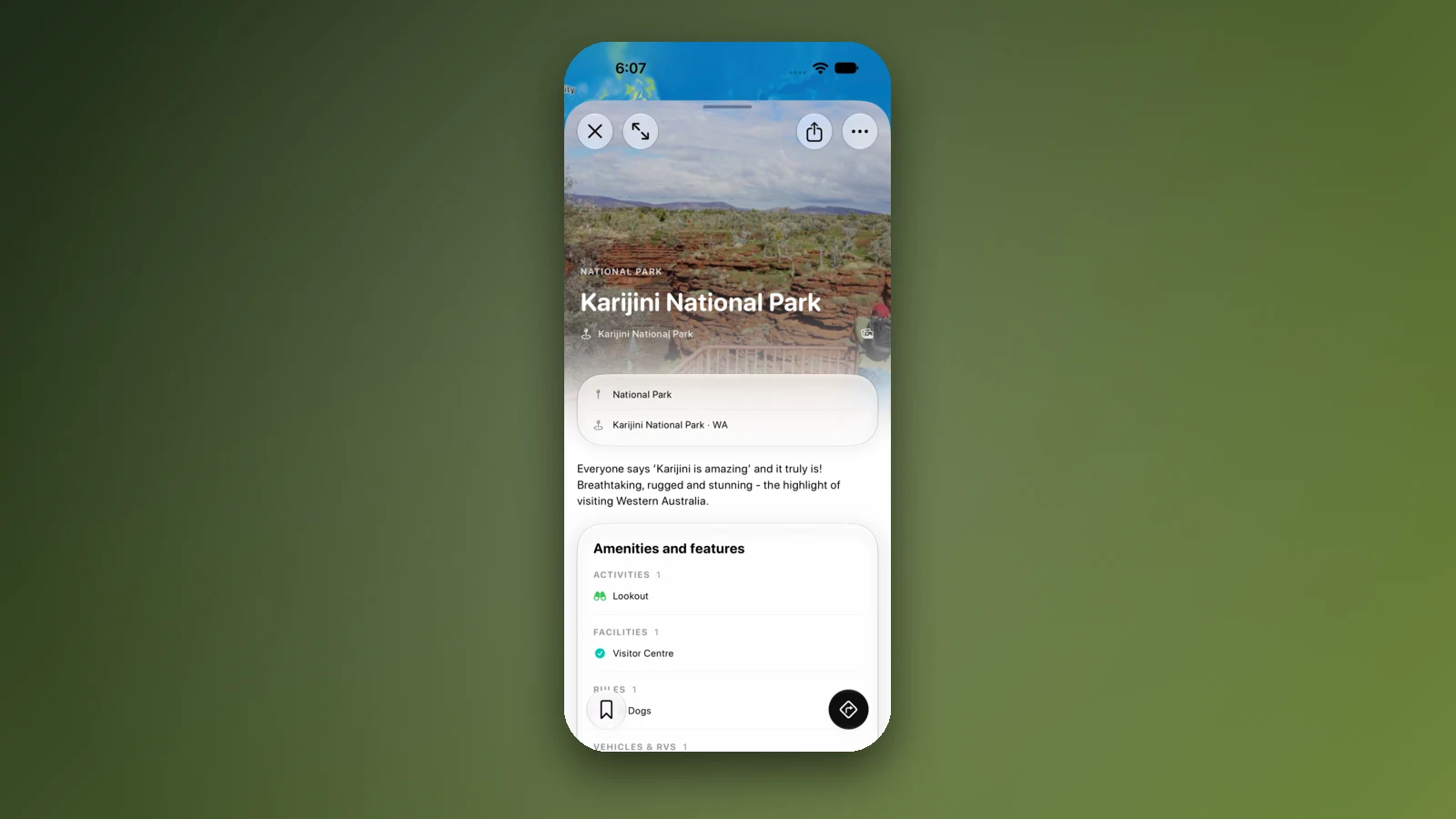
- No login, no ads
- Dogs allowed and 4WD access filters
- Live trips with your partner
Switching takes a few minutes
Make a new trip and tap Add stop. Search for each campground by name, type in an address, or pick one of your saved pins, so every favourite spot goes straight in. Tap Start at Home, drag the stops into order and you're done.
Your trip syncs to your other iPhones through iCloud, and place details, saved places and trips work without signal.
- Add stops by name, address or pin
- One tap to start at Home
- Works without signal
Places along the way
Common questions
Is WikiCamps worth it?+
It depends on how much the new version bothers you. If logins, ads or the busier design are wearing you down, AussieCamps is worth a try: it has no login, no ads and is free to download.
Is WikiCamps good in 2027?+
Opinions are split. Long-time users often say the new version takes more taps, signs them out and shows ads in an app they paid for.
Why do people dislike the new WikiCamps?+
The usual reasons are a design that feels harder to use, being logged out and needing internet to sign back in, favourite filters that changed, and ads in a paid app.
What is better than WikiCamps for iPhone?+
AussieCamps suits iPhone campers who want no login, no ads, filters like Dogs allowed and 4WD access, and trips they can plan live with a partner.
Is WikiCamps still the best camping app in Australia?+
It is still well known, but many campers now want something simpler. AussieCamps opens straight to the map, needs no account and puts campgrounds, rest areas and dump points from official sources in one place.
Take it on the road
Save the stops. Plan the whole trip.
Build an ordered route from saved places, calculate the distance and keep dates, notes and to-dos attached.