WikiCamps for PC is gone: there is no Windows or Mac app any more, and since WikiCamps' big update it only runs on phones and tablets. If you liked planning on a big screen, you still can. Research on aussiecamps.app in any browser, build the trip in AussieCamps on your iPhone, then open it on your laptop with a link. We make AussieCamps. For the trip itself, the AussieCamps app builds your stops on iPhone with the distance of every leg, and there is nothing to sign into.
What happened to WikiCamps for PC
WikiCamps stopped supporting Windows, and when the old version of the app was switched off, the Windows app stopped working with it. People who had bought it for Windows were offered the phone app instead, which keeps the app but not the big screen they liked to plan on.
- No Windows app
- No Mac app
- Phones and tablets only
Plan on a laptop with aussiecamps.app
Planning a big trip is easier on a laptop: you can compare campgrounds along a highway, read the rules and fees side by side and work out how far each day's drive should be. The AussieCamps website works in any browser, on Windows or Mac, and asks for no account. Each state has a camping page with its campgrounds, rest areas and dump points, and every place page shows the facilities and fees.
Under Tools there's a driving time calculator that works out how long a day really takes with your speed and stops, and a fuel calculator that prices the drive for your vehicle. Our road trip guides cover the big routes, like Perth to Broome or crossing the Nullarbor, with ideas for where to stop each night.
- State camping pages and place pages
- Driving time and fuel calculators
- Road trip guides
Build the trip in AussieCamps
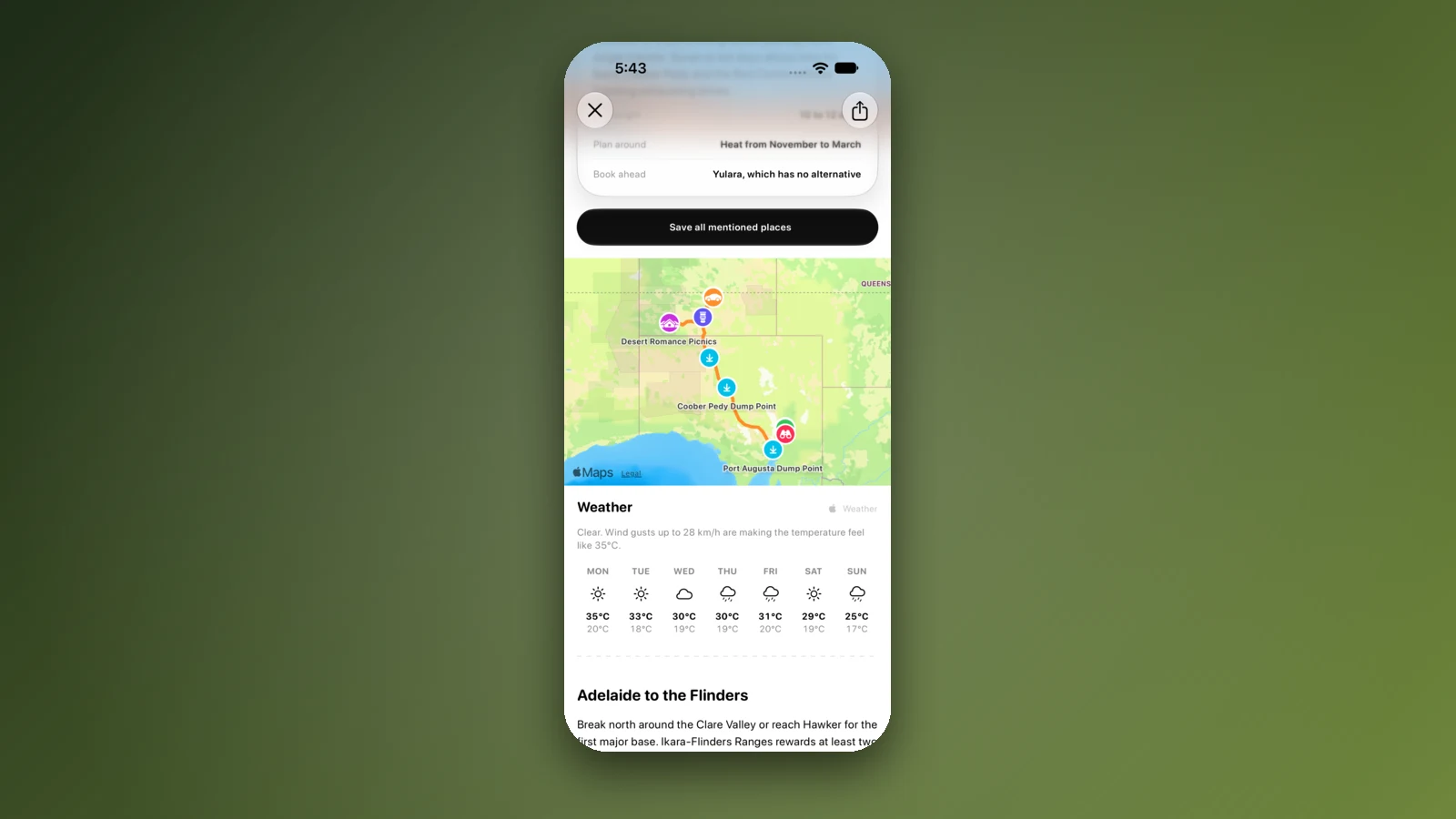
Open AussieCamps on your iPhone and the map is waiting, with nothing to sign in to. Make a trip, tap Start at Home, then tap Add stop to add the places you found on your laptop. Search by name, type in any address or pick a saved pin.
Drag the stops into order and each one shows the distance and drive time from the last. Add arrival dates, notes such as a booking number, and a to-do list. Filters fill any gaps, from Dogs allowed and 4WD access to the Free filter for free rest areas and stops.
AussieCamps is free to download, with in-app purchases, and shows no ads.
- No login, opens on the map
- Home, any address or a pin as a stop
- Drive time between stops
Open your trip on a laptop
When the trip is ready, tap Share and choose Send copy. You get a link that opens the whole trip in any web browser, so you can look at it on your laptop, or send it to family back home.
Share as image makes a picture of the route with its stops, dates and nights, which is handy to keep or print. And with Sync to calendar on, the trip lands in your phone's calendar.
- A link for any browser
- Share as image
- Sync to calendar
Places along the way
Common questions
Is WikiCamps available for PC?+
No. WikiCamps no longer has a Windows app. It runs on phones and tablets only.
Can I use WikiCamps on a laptop?+
Not as an app. There is no Windows or Mac version of WikiCamps any more.
Is there a WikiCamps Mac app?+
No. WikiCamps has no Mac app.
What happened to WikiCamps for Windows?+
WikiCamps stopped supporting Windows, and the Windows app stopped working when the old version was switched off. People who had bought it for Windows were offered access on Android or iOS instead.
Can I see my camping trip on a computer?+
Yes, with AussieCamps. Tap Share on a trip and choose Send copy to get a link that opens the whole trip in any web browser.
Take it on the road
Save the stops. Plan the whole trip.
Build an ordered route from saved places, calculate the distance and keep dates, notes and to-dos attached.