A lap of Australia is long enough that no single app covers it. You need somewhere to stop each night, a map that works where the signal ends, fuel prices, weather and a way to plan the whole route. We make AussieCamps, and it comes first because stops and the overall plan are the first jobs of a lap; the rest of the list covers the jobs it does not do. All the prices, ratings and features in this list come from checks made on 21 October 2026.
What a lap of Australia asks of your phone
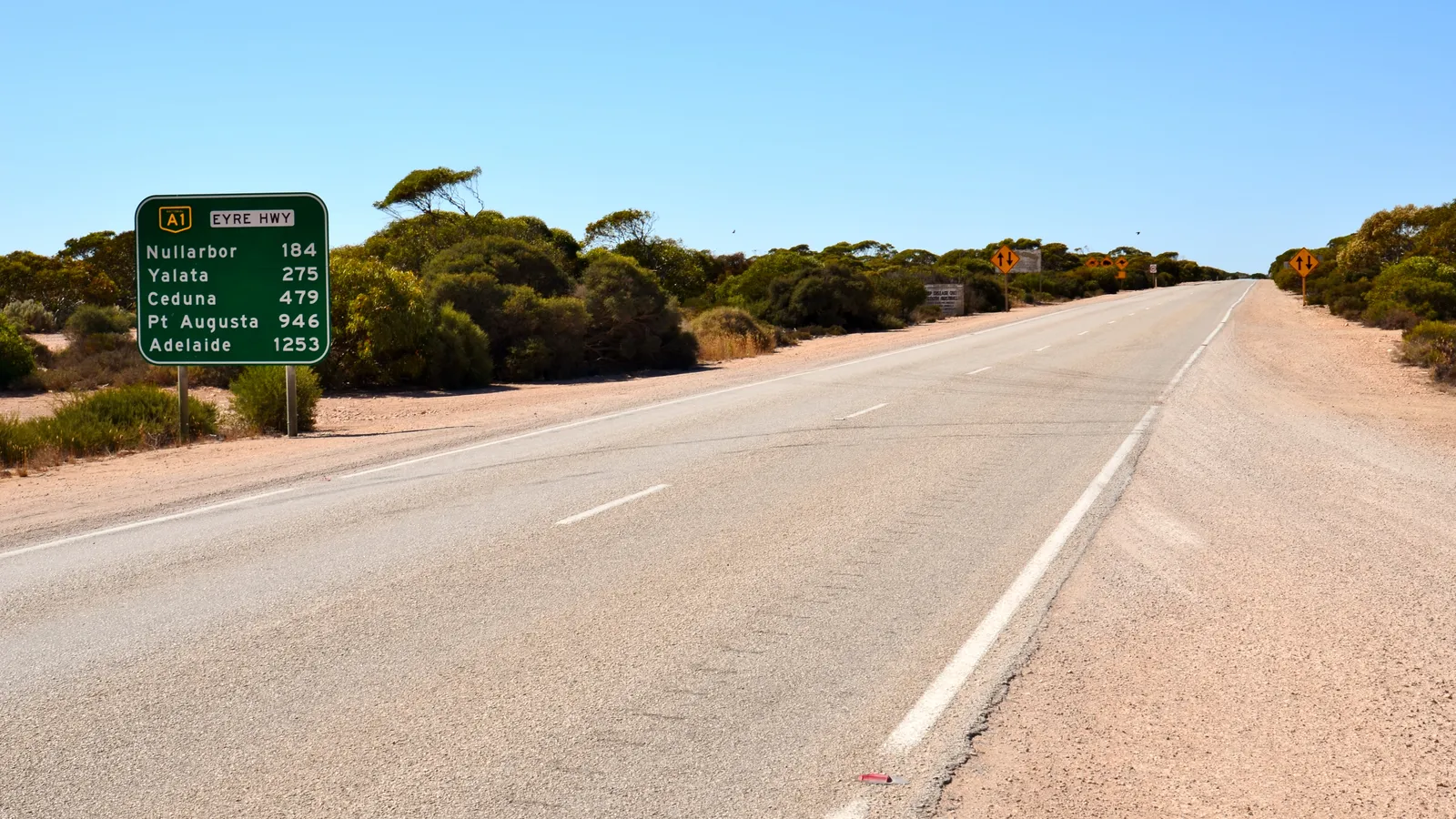
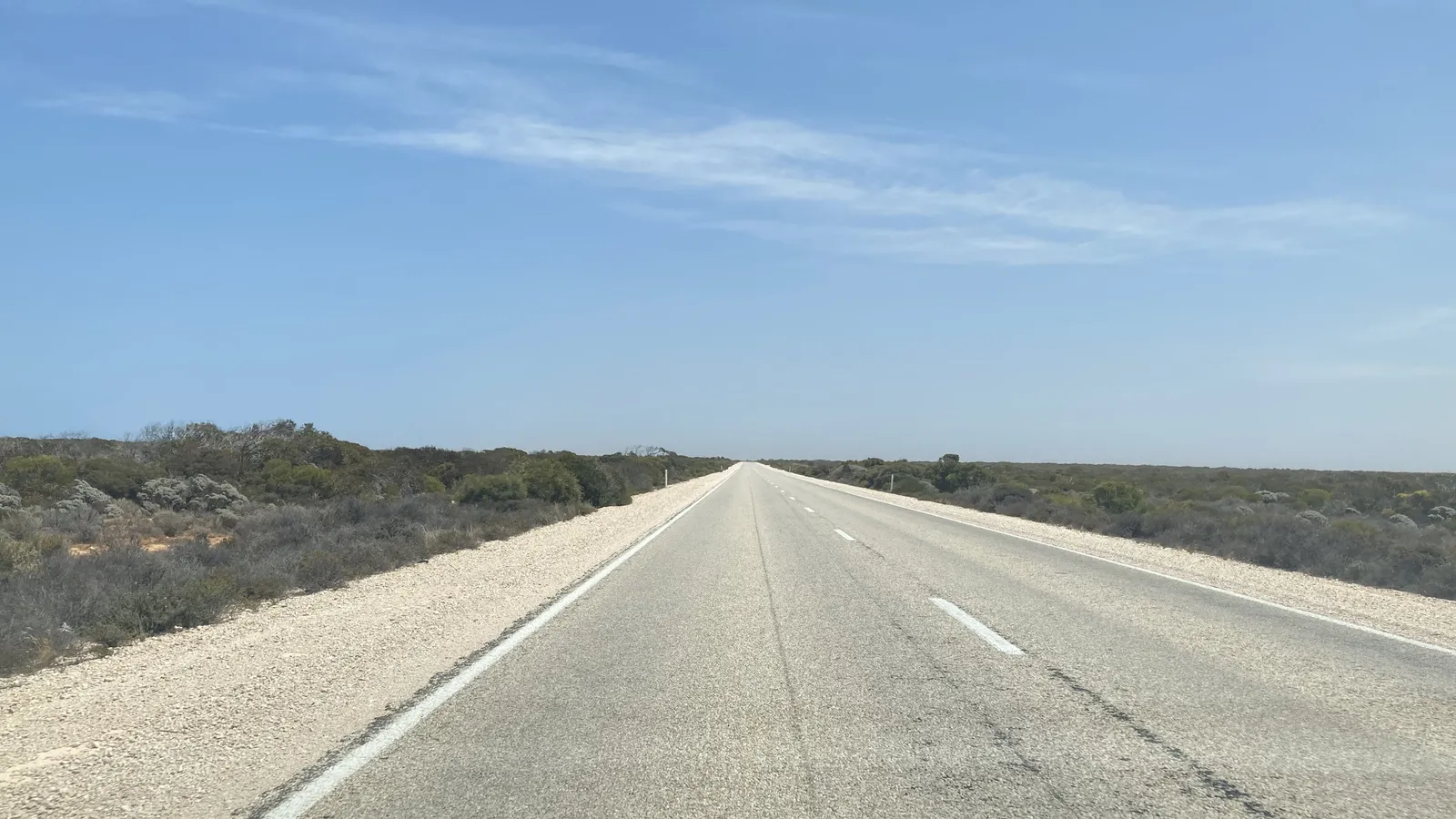
Long stretches between towns change what an app needs to do. Tourism Australia says services on the Nullarbor are often 150 to 200 km apart and advises you to top up whenever you have the chance, so fuel and the next stop matter more than they do on a coastal trip.
A lap usually needs five jobs covered: a place directory, an offline map, a fuel app, a weather source and a planner. No app here does all five, so the list is built to be mixed.
- Five jobs, several apps
- Gaps of 150 to 200 km on the Nullarbor
- Plan fuel and stops together
The apps at a glance
Pick one stop directory, one offline map and one fuel app, then add the weather and maps apps you already carry.
| App | Price (AUD) | Job on a lap | Rating (AU) | Platforms |
|---|---|---|---|---|
| AussieCamps | Free to download, with in-app purchases | Where to stop, and a trip plan with leg times and forecasts | Not enough ratings yet | iPhone only |
| WikiCamps Australia | A$9.99 once per platform | Community directory of free and low-cost camps | 4.5 from 16,662 | iPhone, iPad, Android |
| CAMPS Australia Wide | Free to download; A$14.99 a year after a 7-day trial | Checked sites, vehicle-fit filters, state offline maps | 4.4 from 3,478 | iPhone, iPad, Android |
| ExplorOz Traveller | A$59.99; offline topographic maps are in-app purchases | Offline maps and tracks for remote stretches | 4.3 from 1,353 | iPhone, iPad, Android |
| Petrol Spy | Free with ads; Premium A$2.89 a year or A$14.99 for life | Fuel prices across states | 4.8 from 185,044 | iPhone, iPad |
| BOM Weather | Free | Official forecasts, radar and warnings | 4.6 from 472,905 | iPhone, Android |
| Google Maps and Apple Maps | Free | Navigation and downloadable offline areas | Google Maps 4.6 from 501,802 | iPhone, Android (Google) |
1. AussieCamps: where to stop, and a plan for the whole lap
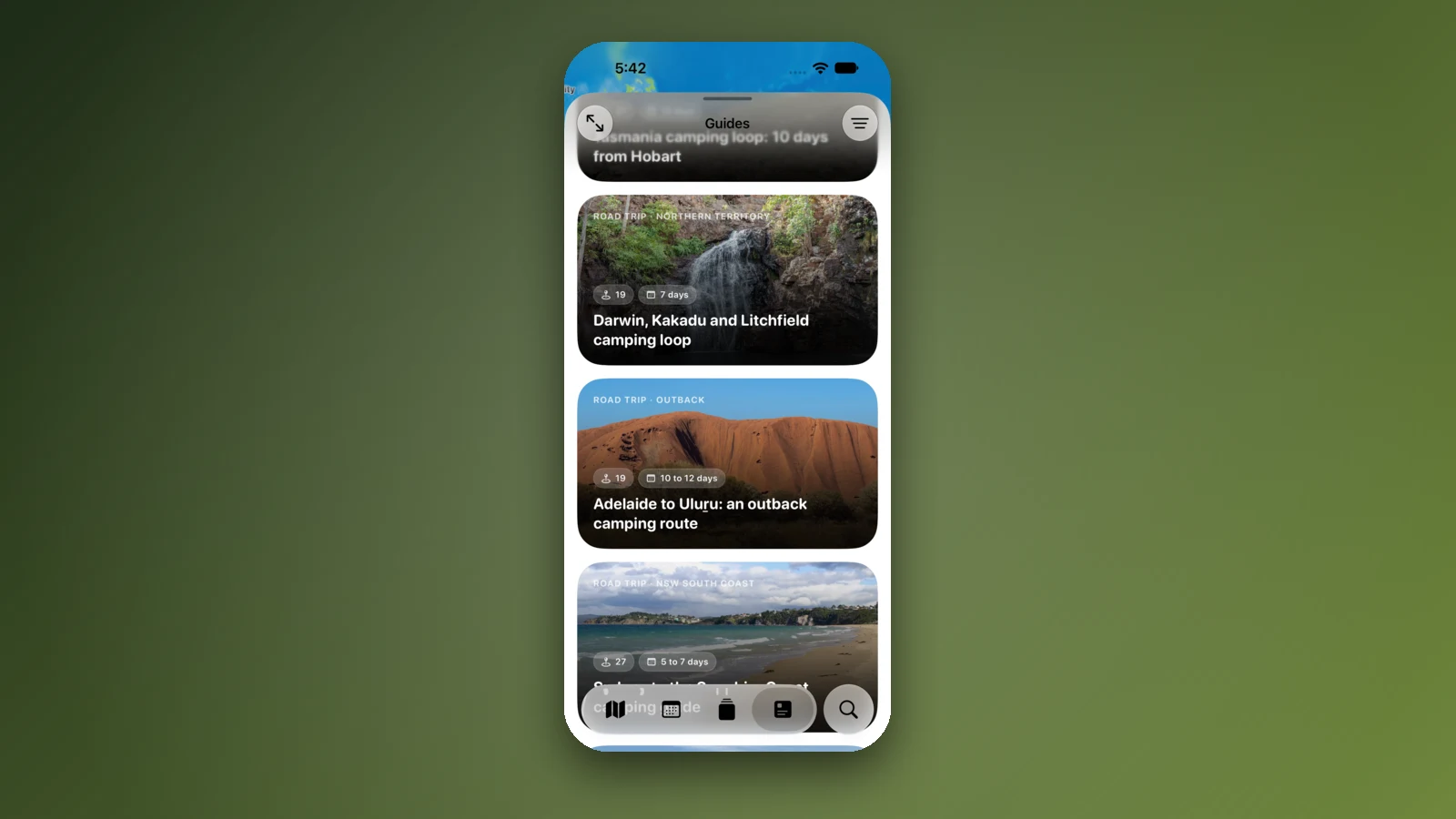
A lap is a string of nights, and AussieCamps is built around finding them. It lists 5,552 rest areas, 1,838 campgrounds and 745 national parks, plus 1,393 dump points, 3,004 drinking water points and 1,186 toilets, from state park agencies, road authorities and public facility datasets, and you can filter by water, toilets, showers, power, dogs, vehicle access and fees.
Its trips let you add stops with dates, and it gives you the driving distance and time for each leg and for the whole journey, arrival dates with forecasts, a checklist and a packing list, with sharing and Calendar sync. The guides include road trips such as the Nullarbor crossing, Perth to Broome, the Darwin, Kakadu and Litchfield loop and the East Coast from Sydney to Cairns. Place details stay on the phone and can be read with no signal, while live maps, directions and weather need a connection.
AussieCamps runs on iPhone only, has no traveller reviews, no fuel prices and no offline map, and it is new, so it has no Australian rating yet.
- Official stop data and trip plan
- Road trip guides for the big routes
- iPhone only; no reviews, fuel prices or offline map
2. WikiCamps Australia: the big community directory
WikiCamps lists more than 65,000 sites by its own count, with reviews and photos from travellers, and costs A$9.99 once per platform. Its Trip Planner shows travel time and distance between stops, with fuel cost estimates, and its Offline Mode lets you explore sites and plans without reception. It is rated 4.5 from 16,662 Australian ratings.
It shows ads, listings are written by users, and version 6 is a rebuild that is still bringing features back, so treat it as a second opinion on a site, not the final word.
- A$9.99 once per platform
- Reviews of free and low-cost camps
- Ads; user-contributed listings
3. CAMPS Australia Wide: checked sites and state offline maps
CAMPS lists more than 16,000 sites its team says it has checked in person, with filters for campervan, camper trailer and big rig, price and pets, and live fuel prices. You download maps one state at a time over Wi-Fi, so choose the states you will cross next instead of all of them at once. It is free to download and free for 7 days, then A$14.99 a year, and it is rated 4.4 from 3,478 Australian ratings.
It is a subscription with no free tier after the trial, and downloaded maps need updating by hand to stay current.
- Checked sites
- Offline maps per state
- Subscription only
4. ExplorOz Traveller and Hema: maps for the remote stretches
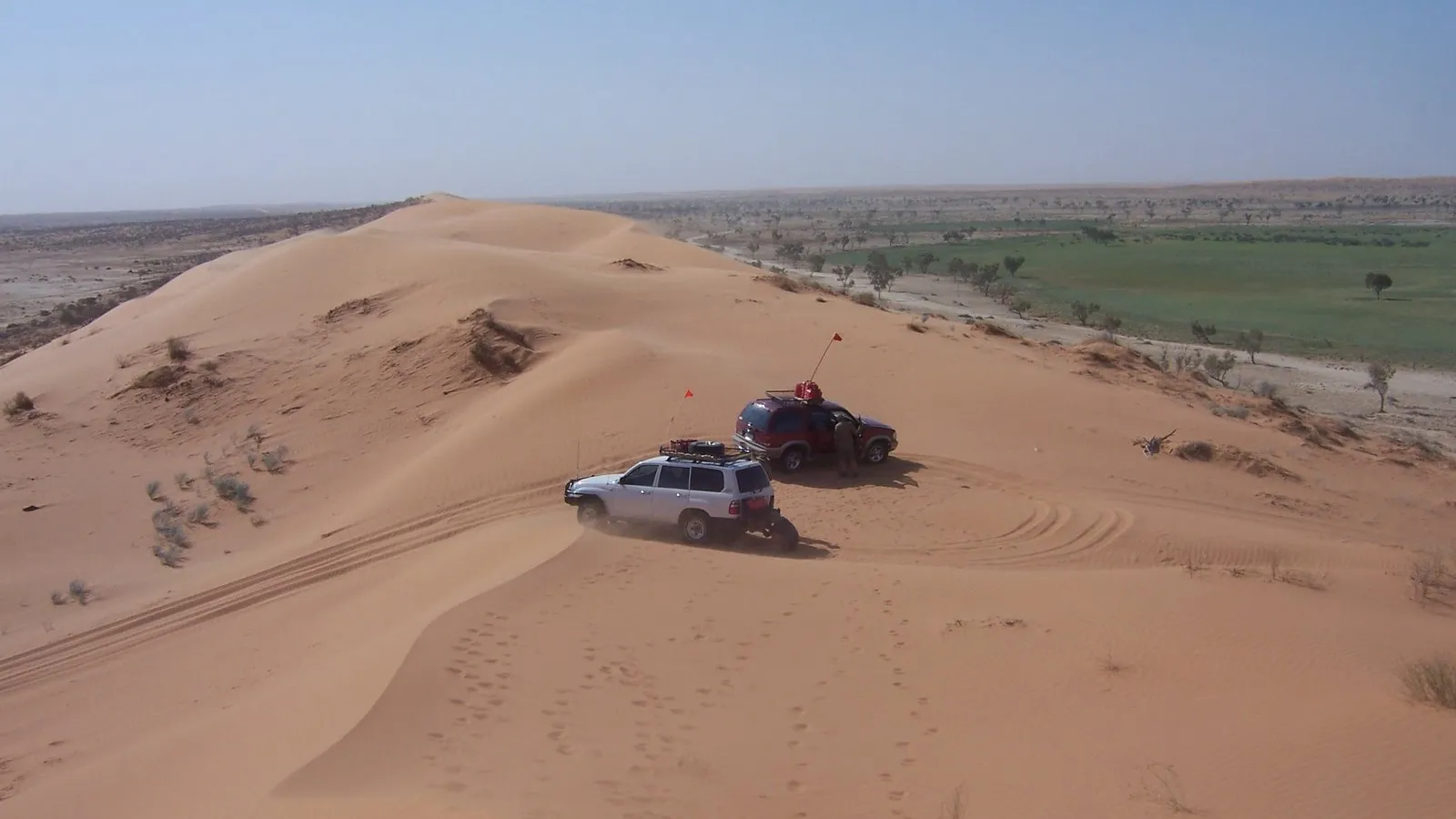
Where the phone signal ends, a downloaded topographic map is what keeps you on the road. ExplorOz Traveller costs A$59.99, is designed mainly for offline travel with downloaded maps, lists more than 100,000 places and features routes such as the Canning Stock Route and the Great Central Road. Its full offline EOTopo maps are in-app purchases, and it is rated 4.3 from 1,353 Australian ratings.
Hema 4WD Maps costs A$99.99 on the App Store, with state topographic maps sold separately, and its listing was last updated in September 2022, so check it is current before you buy. Both are for the desert, Kimberley and Cape York sections more than for the coast road.
- Offline topographic maps
- Remote routes and tracks
- A$59.99 plus map purchases
5. Petrol Spy: fuel prices across the states
Petrol Spy compares real-time prices in Queensland, South Australia, New South Wales, Western Australia, Tasmania and the Northern Territory, and shows user-submitted prices in Victoria. It is free with ads, Premium is A$2.89 a year or A$14.99 for life, and it is rated 4.8 from 185,044 Australian ratings.
Its last update was in July 2025. New South Wales FuelCheck and Western Australia FuelWatch are official alternatives, and CAMPS also shows live fuel prices.
- Prices across six states
- Free with ads
- Last updated July 2025
6. BOM Weather: warnings you can rely on
The Bureau of Meteorology's own app is free and ad-free, with hourly and 7-day forecasts, radar, rain notifications and warnings, and an offline mode. It is rated 4.6 from 472,905 Australian ratings. For a lap it is the app to check for cyclone, flood and fire information as you cross regions and seasons.
- Official forecasts and warnings
- Radar and rain alerts
- Free and ad-free
7. Google Maps and Apple Maps: navigation, with limits
Both are free and already on your phone. Google Maps lets you download an area for offline driving, but offline maps expire, there is no traffic offline, and its help page says a route holds up to 9 stops, so a full lap needs splitting into several routes. Apple Maps allows up to 14 stops on a route.
- Free
- Offline areas in Google Maps
- Split a lap into several routes
Planning notes from the official sources
The Top End dry season runs from May to October and the wet season from November to April, when access to some remote attractions can be closed by flooding, so check road conditions before exploring remote areas or national parks. Interstate biosecurity rules are set by each state and territory, and travellers face on-the-spot fines for taking prohibited items across borders, so check what you are carrying.
Park rules differ too: Queensland needs a camping permit for every camp in its parks, booked before you arrive, and Tasmania needs a parks pass to enter its national parks. If you hire a vehicle for the lap, Camplify lists motorhomes and campervans from their owners, free to download and rated 4.6 from 527 Australian ratings.
- Dry season May to October in the Top End
- Biosecurity fines at state borders
- Queensland camping permits before arrival
How we chose
We picked the apps a Big Lap traveller needs for each job, and checked their price, rating, version and features on the Australian App Store and the developers' own pages on 21 October 2026. We left out Roadtrippers, whose listing describes it as a road trip planner for the USA and Canada.
We make AussieCamps and put it first; no other developer here paid to be included. Spotted something that has changed since? Say so on the support page.
- Checked on 21 October 2026
- One app per job
- No paid placements
Places along the way
Check before you go
Rules and conditions change. Recheck the official source and the page for your exact park or campground before departure.
- Tourism Australia: crossing the Nullarbor
- Tourism NT: weather and seasons in the Top End
- Interstate Quarantine: rules by state and territory
- Queensland Parks: camping bookings and permits
- Parks and Wildlife Service Tasmania: camping
- Bureau of Meteorology: BOM Weather app
- Google Maps Help: download offline maps
- Google Maps Help: add stops to a route
- Apple Support: Maps routes on iPhone
Common questions
What apps do I need for a lap of Australia?+
Most travellers combine a camp and stop directory such as AussieCamps, WikiCamps or CAMPS, an offline map for remote stretches, a fuel app, BOM Weather for warnings and Google or Apple Maps for navigation.
Which app is best for finding free camps on a Big Lap?+
WikiCamps has the largest community catalogue of free and low-cost camps for A$9.99 once per platform, and CAMPS lists sites its team has checked for A$14.99 a year after a 7-day trial.
Do I need offline maps for a lap of Australia?+
Yes for the remote sections. Tourism Australia says Nullarbor services are often 150 to 200 km apart, so download maps in Google Maps, CAMPS or ExplorOz while you still have coverage.
Is there an app that plans the whole Big Lap?+
No single app plans every part. AussieCamps builds a trip of ordered stops with driving distance and time for each leg and forecasts for your arrival dates, and Google Maps limits a route to 9 stops, so a full lap is split into several routes.
Take it on the road
Save the stops. Plan the whole trip.
Build an ordered route from saved places, calculate the distance and keep dates, notes and to-dos attached.